Confirm connection
Choose the correct console or PC output and authentication method.
Explore connections, aim, action sequences, troubleshooting and smarter ways to learn XIM MATRIX. Actual configuration discovery stays inside our Discord bot.
Eight genuinely interactive tools, with clear explanations and official resources for verification.
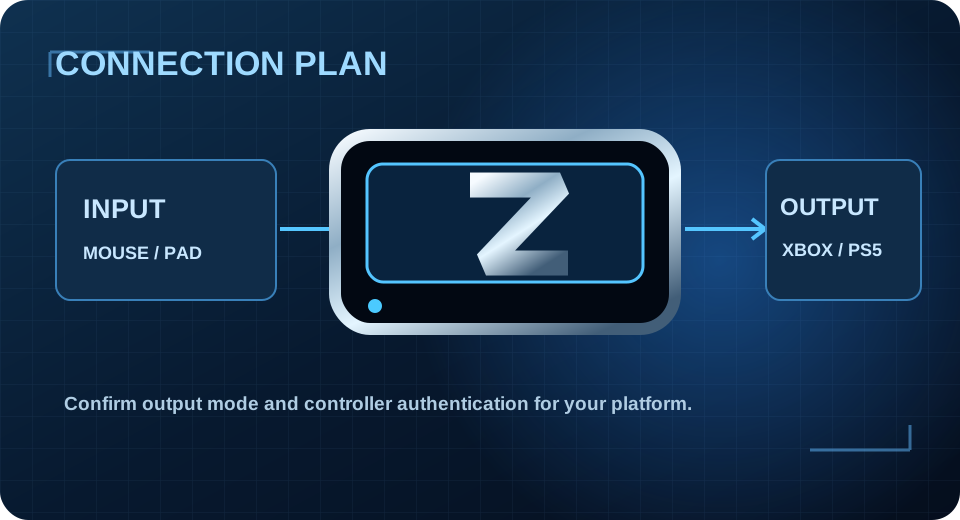
Visualise your platform, controller and cable requirements.
OPEN TOOL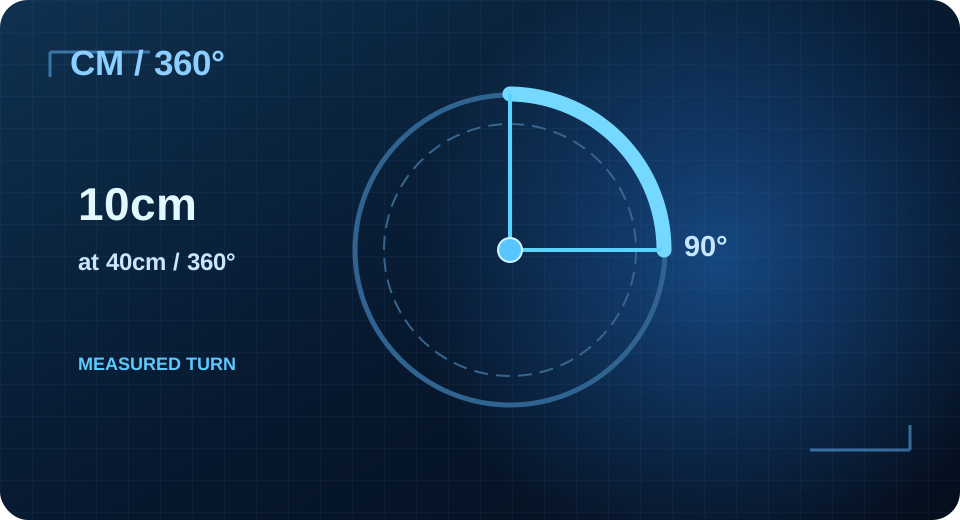
Understand cm/360, DPI, angle and calibration.
OPEN TOOL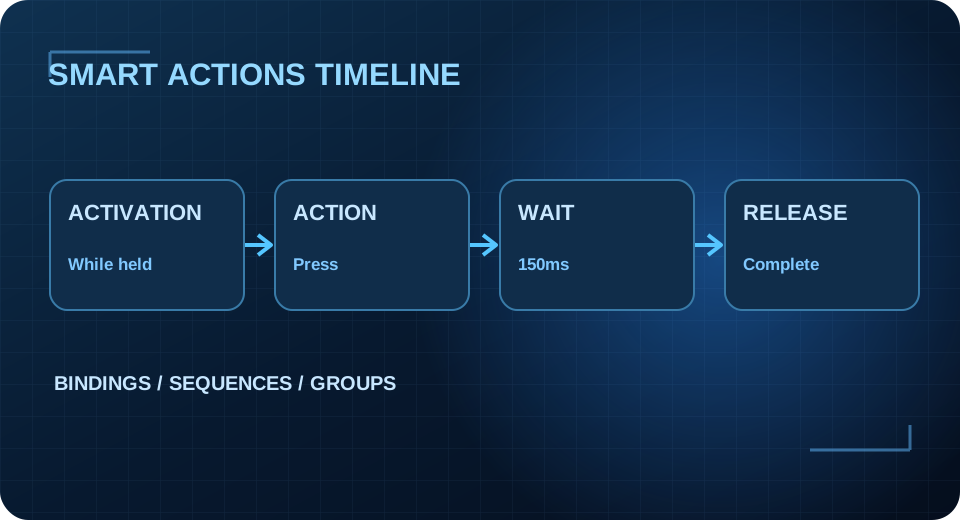
Inspect action order, activations, waits and groups.
OPEN TOOL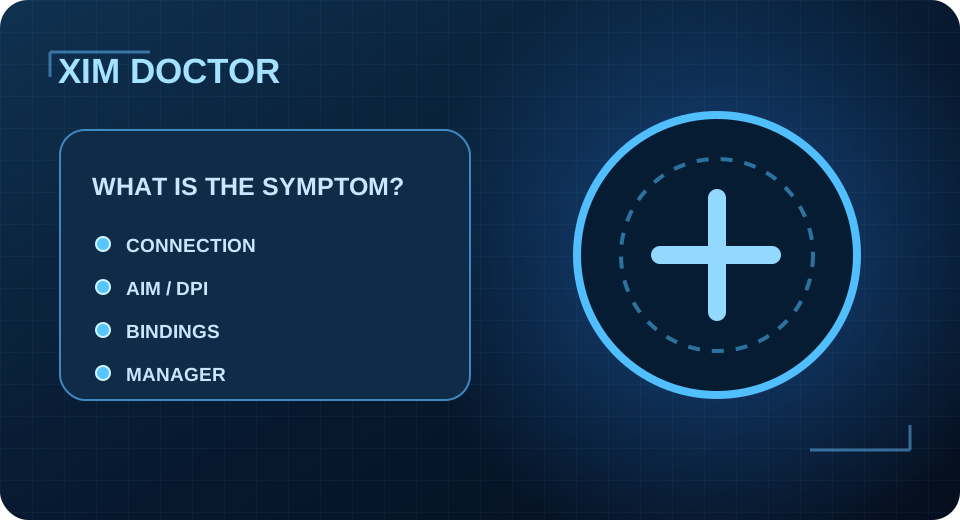
Follow diagnostic checks tailored to a symptom.
OPEN TOOL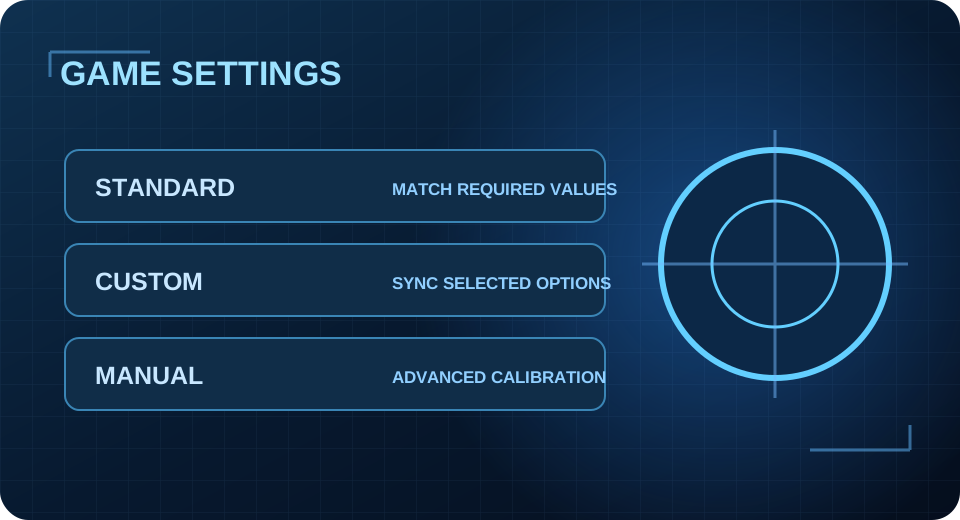
Understand Standard, Custom and Manual game settings.
OPEN TOOL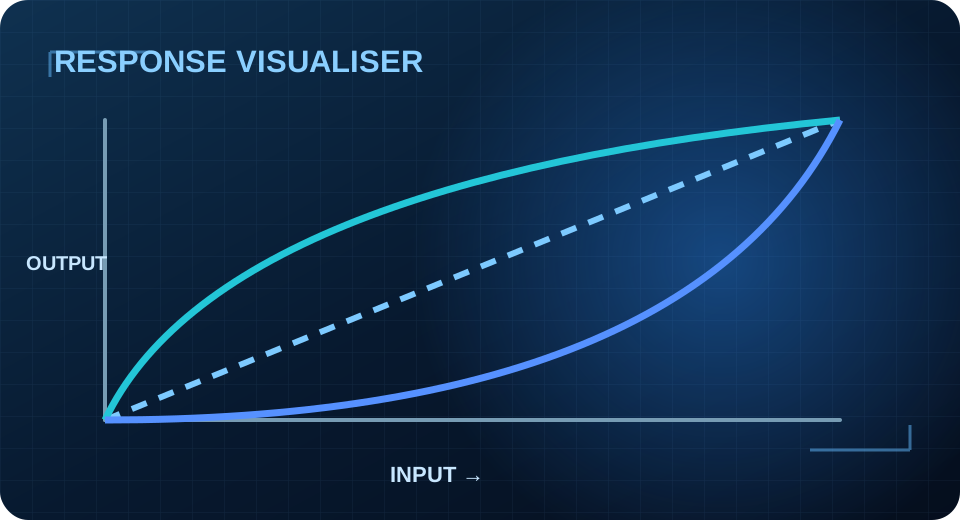
Visualise conceptual response curves and their effects.
OPEN TOOLCheck platform, input and output choices before T800.
OPEN TOOL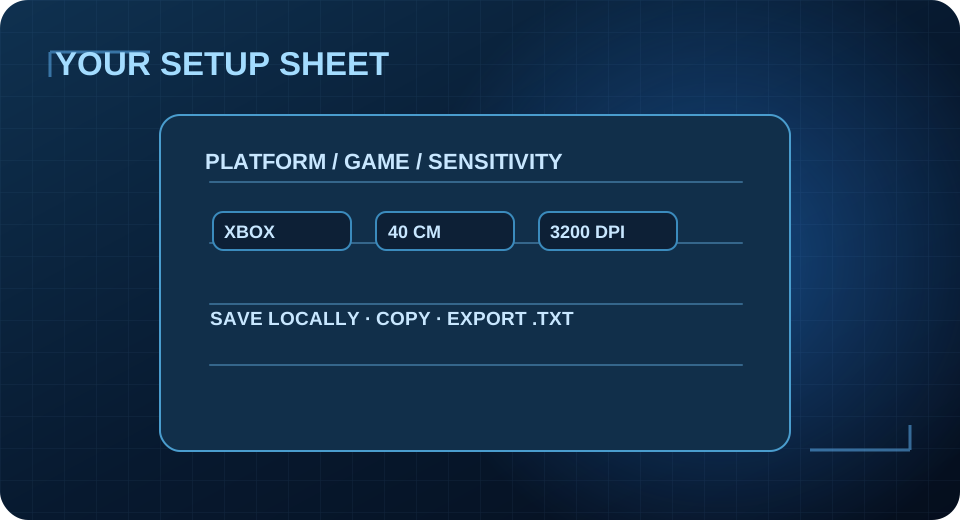
Record, save and share your settings privately on-device.
OPEN TOOLMATRIX accepts supported mouse, keyboard, controller and gyro input combinations. A Config defines how your chosen input gets translated to the selected output. Getting the correct game settings and connection method matters as much as the Config itself.
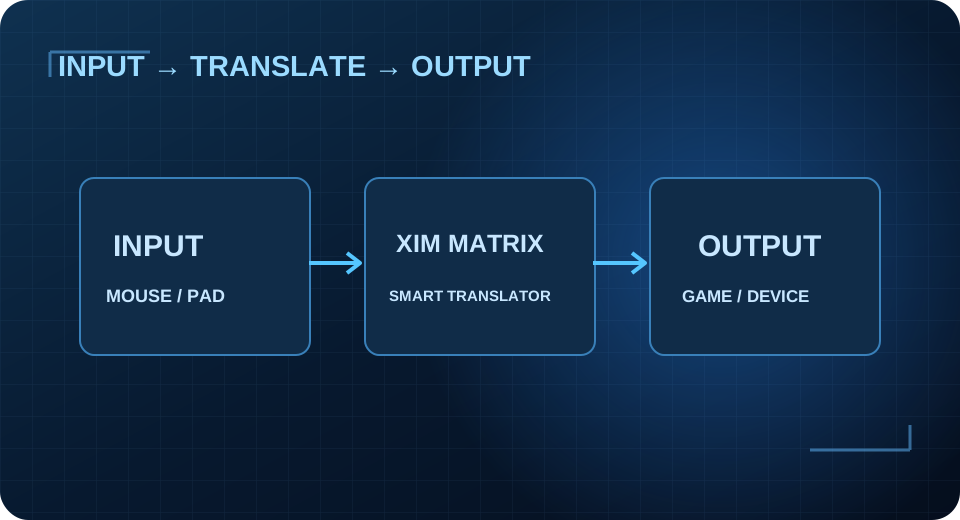
Choose the correct console or PC output and authentication method.
Match the game, input method and the required Smart Translator settings.
Synchronise the in-game values with your Config, rather than guessing.
Start with cm/360 sensitivity; change one setting at a time in a private test area.
Official references: Inputs & Outputs · Game Settings · Aim Settings.
Get the real config finder, announcements and community help from one place. No duplicate website library.