Smart Actions Editor
Binding activation, groups and sequence arrangement.
ExploreBuild a learning sequence from common editor concepts to understand action order, waits and repeat behaviour. This is not a device-ready macro or config exporter.
Button names and exact binding availability depend on input/output mode and your XIM Manager version. Review the official Smart Actions editor before implementing changes.
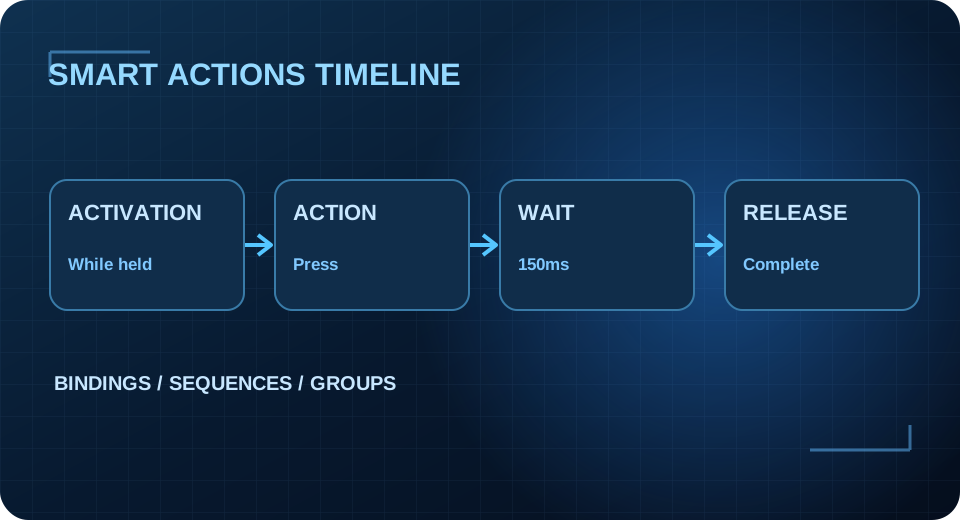
An activation controls when a binding is eligible to run. A sequence contains the actions executed. Groups make it possible to enable or disable sets of bindings for different states. Timing changes the spacing between actions. This interactive timeline lets beginners see the distinction.