Device & Zen Studio
Make sure the supported firmware, desktop software, cabling and device connection are ready.
ExploreExplore how Cronus Zen works, what scripts are, and how to use Zen Studio. Find community updates and future script announcements inside Zentrix Discord.
Make sure the supported firmware, desktop software, cabling and device connection are ready.
ExploreLearn to open script menus, identify toggle controls and understand saved values.
ExploreScript news, release information and availability will be shared in our Discord when ready.
Explore
Cronus Zen is a programmable gaming adapter that can run compatible scripts, process controller inputs and support configurable mappings. Capabilities and device connection requirements vary by platform and firmware.
Zen Studio is the Windows application commonly used to manage and program the device. Connection requirements, script controls and game settings should always be checked for your setup.
Looking for future script releases? We will share availability and details in our Discord community when they are ready.
Join Zentrix DiscordZen scripts often depend on the correct firmware, script slot, menu controls and supported game settings. Our guide walks through each step without overwhelming new users.
Read the Zen Installation Guide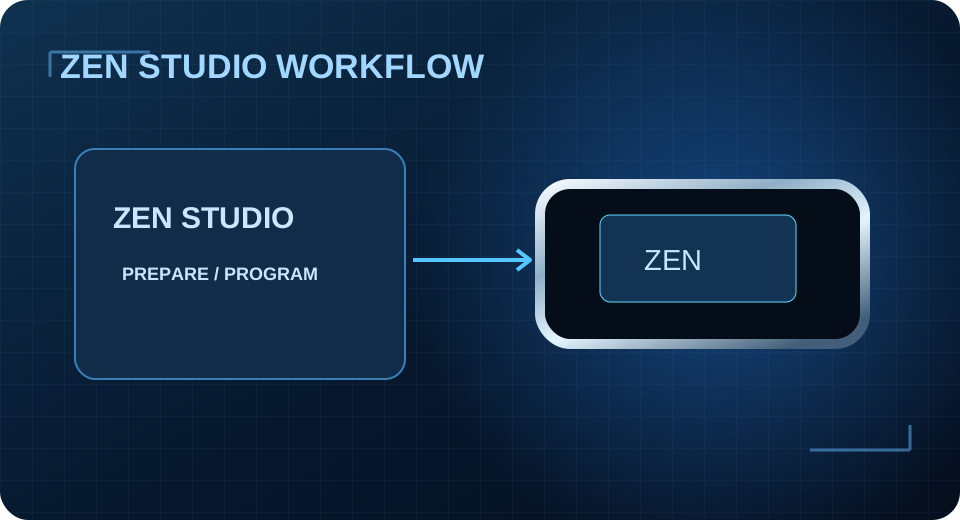
Zen Studio is used to manage firmware, supported scripts and device programming. A script’s on-device menu and controls depend on that script; there is no universal button combination.
We haven’t published Zentrix Zen products yet. Release notices and support information will appear in the community as actual content becomes available.
Zen Setup Guide