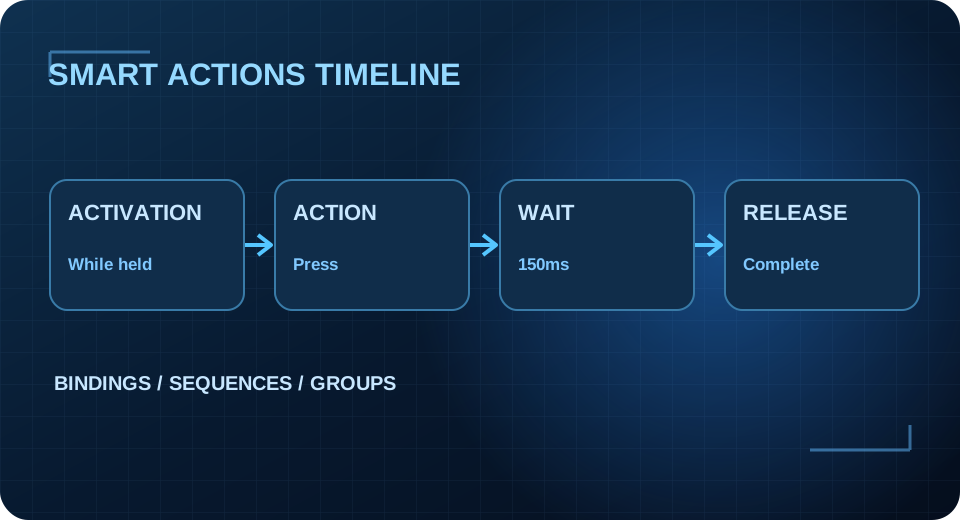
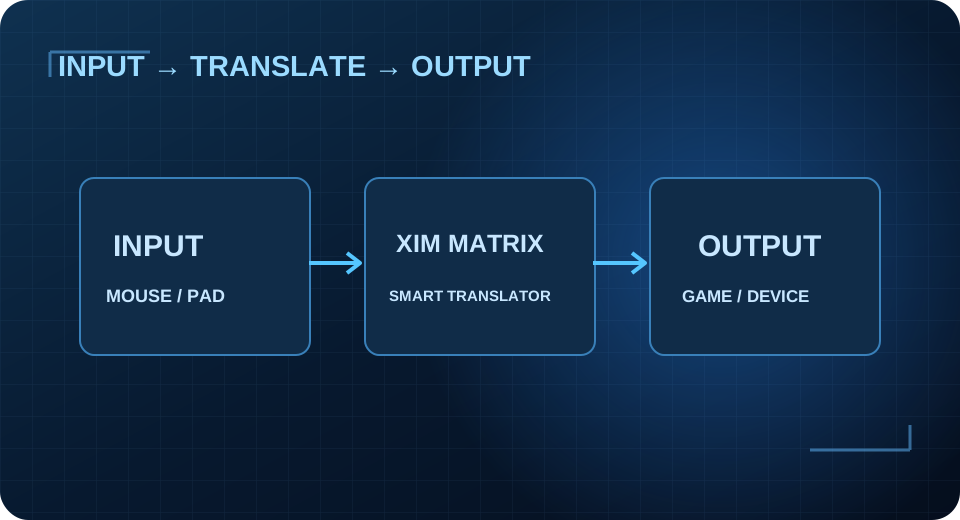
XIM MATRIX / LEARN THE LANGUAGE OFSMART ACTIONS. Understand the parts of the XIM editor first, then use our live educational workshop to try out an action sequence.
CORE BUILDING BLOCKS
Four ideas make the system click. WHEN Activations Define when a binding becomes active, including aiming mode conditions.
Explore WHAT Sequences Steps such as button press, release and waits run in the defined order.
Explore WHERE Groups Use named groups to manage sets of bindings in different game states.
Explore VISUAL THINKING A Smart Action is not a magic value. Start with a clear purpose, choose the activation and action types, then consider ordering and wait times. Keep a working backup and check both output compatibility and current XIM Manager documentation.
LEARN MORE
Reference library EDITOR Smart Actions Editor Official functions and navigation.
Explore ACTIONS Full Reference Available action types, requirements and exceptions.
Explore TRY IT Visual Workshop Use the live educational timeline.
Explore