Expected turn angle
Math for the physical distance and currently configured cm/360.
Learn cm/360, calculate expected turning angles and verify actual movement. These are measurement tools, not universal recoil or sensitivity recommendations.
Choose the settings above to get started.
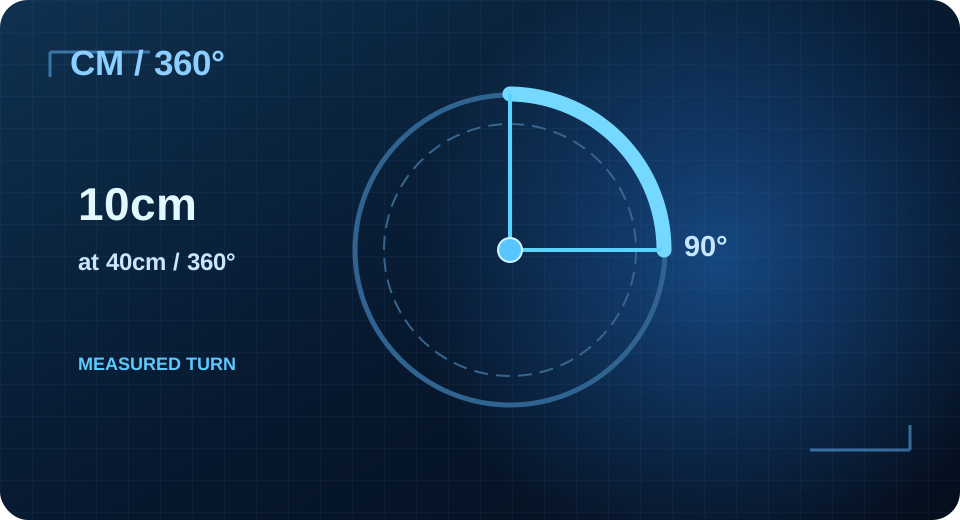
XIM MATRIX uses physical centimetres to describe the distance necessary for a 360-degree turn. To test 40 cm/360, move 10 cm in a controlled game environment: the expected movement is roughly 90 degrees. If the result differs, check DPI, game settings, response rate and Smart Translator first.
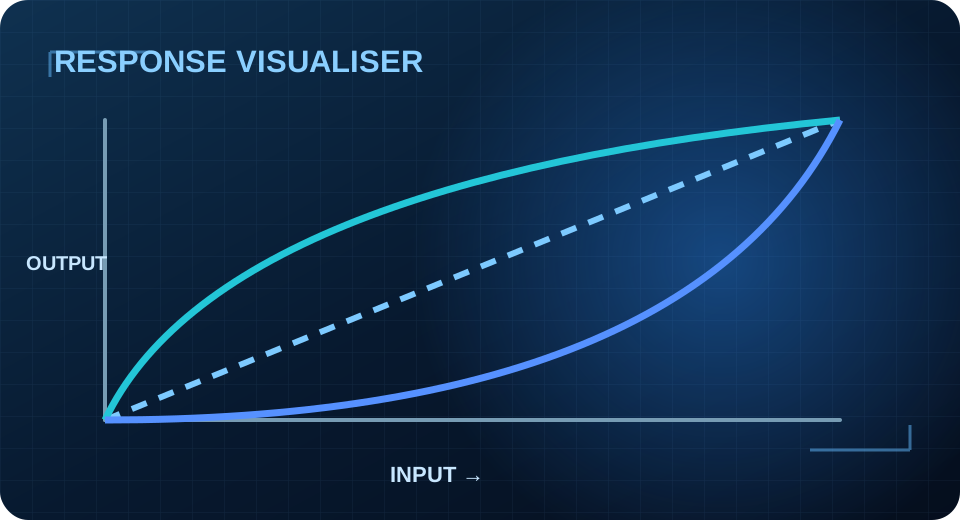
Math for the physical distance and currently configured cm/360.
Approximate real-world result from the turn you observed.
Use XIM Manager’s built-in DPI and response-rate checks.
Explore