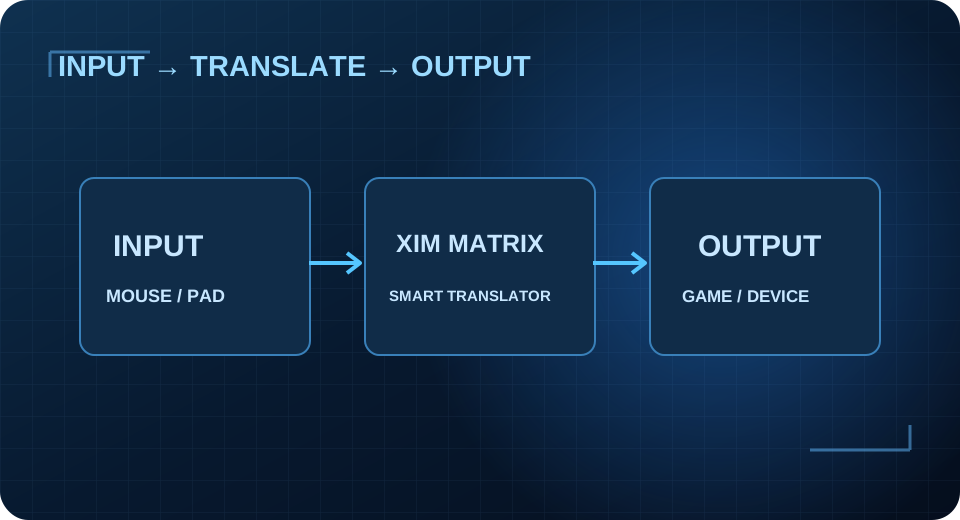
Prepare the hardware
Have your XIM MATRIX, supported input devices, a data-capable USB cable, and the authentication controller if required for the chosen output.
An honest, beginner-friendly walkthrough. Different platforms and output modes require different connections.
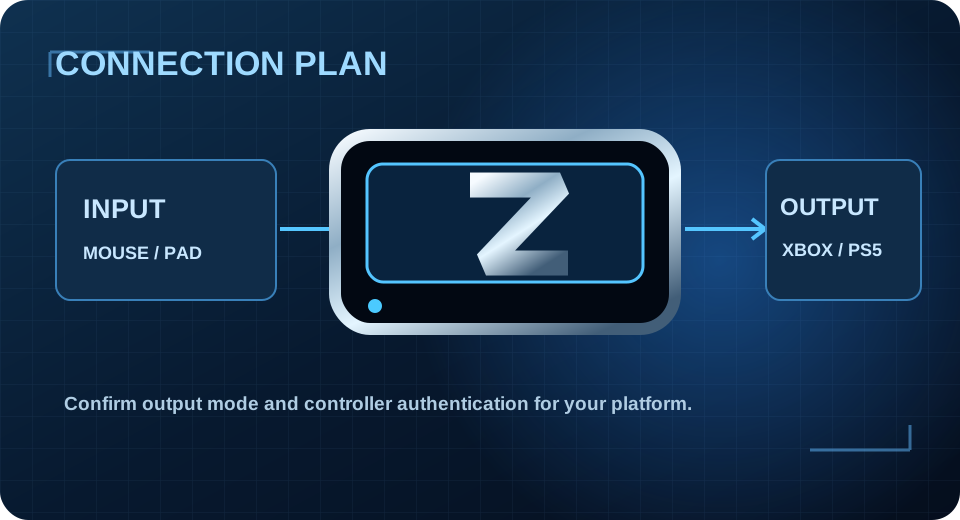
Have your XIM MATRIX, supported input devices, a data-capable USB cable, and the authentication controller if required for the chosen output.
Use the Connection Builder and official instructions. PS5 DualSense output normally uses local-network Remote Play; Xbox controller output uses the authentication controller.
Check its connection status and choose New Config with the correct game, output and input.
Match official game settings or compatible custom values. Avoid copying numbers from an unrelated game.
Use your actual DPI and start with comfortable cm/360 sensitivity; test measured turns in a training area.
Test bindings, back up known-good settings, then discover more Configs through T800 in Zentrix Discord.
A mouse-and-keyboard user can select different outputs depending on the target platform. Incorrect output selection or missing controller authentication can prevent a working connection even if the Config looks correct.